The Bug Was Reported in 10 Minutes. The Client Expected a Fix.
The message arrived early in the morning.
A client had reported that an important feature in their application was not working as expected. The team acknowledged the message quickly, and the client received a response within the agreed support window.
But a few hours later, another message arrived:
“You said you would respond within two hours. Why isn’t the bug fixed yet?”
That question exposed a misunderstanding that happens surprisingly often in software support.
The client was treating response time and resolution time as the same thing.
They aren’t.
A support agreement might promise that a critical issue will receive a response within one hour. That does not necessarily mean the underlying problem will be completely fixed within one hour.
The difference sounds small.
For a business depending on its application every day, it can be extremely important.
What Does a Bug Fix SLA Actually Promise?
A Service Level Agreement, or SLA, defines the service a provider is expected to deliver and how that performance will be measured. IBM explains that an SLA can include metrics such as response time, resolution time, recovery time, and other service-quality measures.
That means an SLA should answer more than:
“How quickly will you fix my bug?”
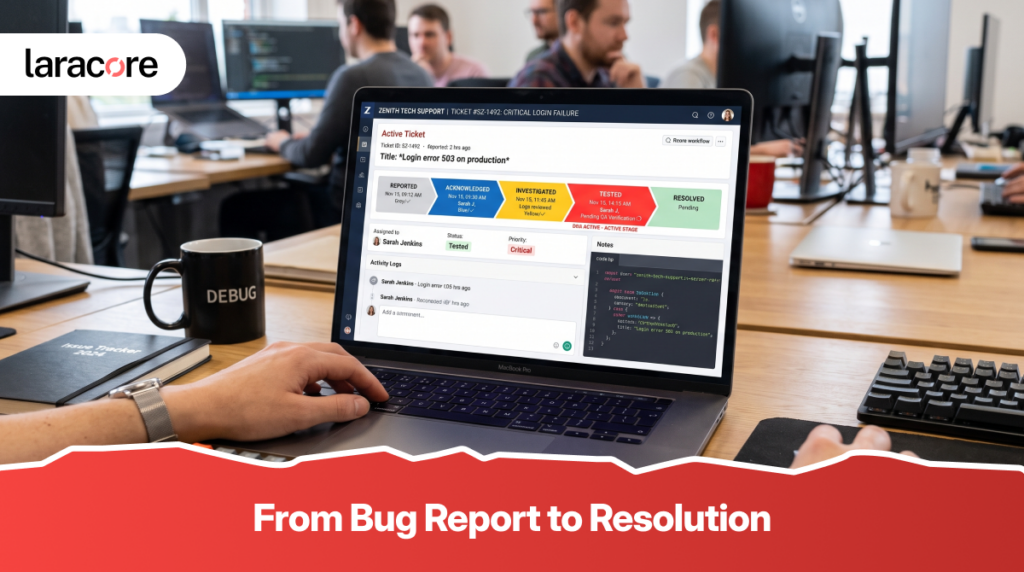
It should explain what happens when an issue is reported.
For example, an agreement might define:
- How quickly the support team acknowledges an issue
- How quickly investigation begins
- Which issues are considered critical
- Target response times for different severity levels
- How escalation works
- When progress updates are provided
- What counts as resolution
- Which issues fall outside the support agreement
Without those details, a statement such as “24/7 support” doesn’t tell the client very much.
Support availability and guaranteed response are not necessarily the same thing.
Response Time Is Not Resolution Time
This is probably the most important distinction in a bug-fix SLA.
Response time measures how quickly the support team acknowledges or begins responding to the reported issue.
Resolution time refers to how long it takes to actually resolve the issue.
Consider a payment failure affecting a production application.
The team might respond within 30 minutes and immediately begin investigating. During the investigation, they discover that the issue involves a third-party payment provider.
The actual fix may require additional investigation, testing, coordination, and deployment.
The response happened quickly.
The resolution took longer.
That doesn’t necessarily mean the SLA was missed.
IBM similarly distinguishes response time from resolution time and notes that resolution depends on actually resolving the issue rather than simply acknowledging it.
A fast response tells the client that the issue is being handled. It doesn’t automatically mean the solution will be available immediately.
Why Severity Matters More Than the Word “Bug”
Not every bug deserves the same response time.
A spelling mistake on an internal page is very different from customers being unable to complete payments.
If both issues are placed into the same support category, the SLA becomes difficult to manage fairly.
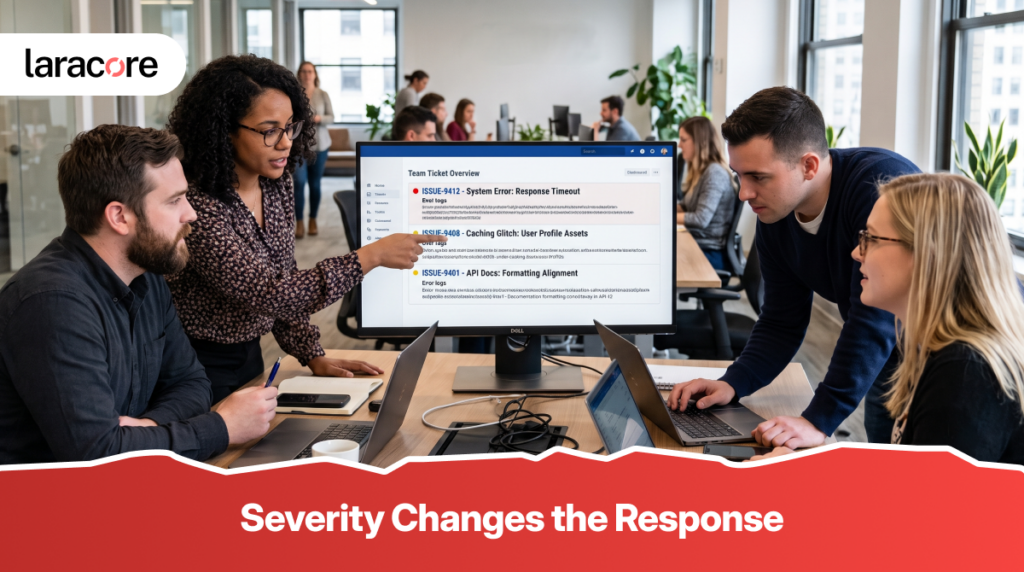
A practical severity model might look something like this:
Critical
The application or a business-critical function is unavailable.
Examples could include:
- Customers cannot log in
- Payments are failing for all users
- Production application is completely unavailable
- Critical business transactions cannot be completed
High
A major feature is degraded, but the entire application isn’t unavailable.
For example, customers may be able to log in but cannot complete an important workflow.
Medium
The issue affects functionality but has a reasonable workaround.
Low
The issue has limited business impact, such as a visual problem or minor usability defect.
The exact categories can vary between providers, but the principle is important:
Severity should be based on business impact, not how strongly someone describes the problem.
AWS uses a similar severity-based support model. Its current support documentation distinguishes between system impairment, production impairment, production downtime, and business-critical downtime, with different first-response targets for each level.
A Two-Hour Response Doesn’t Mean Two Hours to Fix
This is where expectations often go wrong.
Imagine an SLA says:
Critical issue — response within 1 hour.
A client may interpret that as:
“The issue will be fixed within 1 hour.”
But the actual agreement could mean:
“The support team will acknowledge the issue and begin investigation within 1 hour.”
Those are very different commitments.
For example, AWS explicitly states that its published support response times refer to the first response, not subsequent responses or the final resolution.
This is why SLA documents should use precise language.
Instead of saying:
“Critical bugs are fixed within two hours.”
a clearer agreement might say:
“Critical production issues receive an initial response within two hours, followed by active investigation and regular progress updates until resolution or an agreed workaround is available.”
The second version gives the client a much more realistic understanding of what will happen.
The Business Cost of Poor SLA Definitions
A vague SLA can create problems even when the development team is doing everything reasonably well.
Suppose a business owner expects every production bug to be resolved within four hours.
The development team believes four hours refers only to the initial response.
The team may meet its interpretation of the agreement.
The client may still feel that the service failed.
That creates unnecessary tension.
Clear SLAs reduce this problem because everyone understands:
- What happens after an issue is reported
- How severity is determined
- When the clock starts
- What counts as a response
- What counts as a resolution
- How third-party dependencies are handled
- How progress will be communicated
This isn’t just a technical exercise.
It is expectation management.
What Should a Good Bug-Fix SLA Include?
A useful agreement doesn’t need to be hundreds of pages long.
It needs to be specific enough that both sides can understand what happens when something goes wrong.
At minimum, it should define:
- Severity levels
Explain what makes an issue critical, high, medium, or low. - Response targets
Define how quickly the support team acknowledges and begins handling each severity. - Resolution expectations
If resolution targets are provided, explain whether they are guaranteed, targeted, or dependent on investigation. - Support hours
Clarify whether support is available during business hours, 24/7, or only for critical production issues outside business hours. - Escalation process
Explain what happens when the issue cannot be resolved by the first support level. - Client responsibilities
The support team may need logs, screenshots, reproduction steps, access, or other information before investigation can continue. - Third-party dependencies
If an issue involves a payment gateway, cloud provider, SMS service, or another external platform, the agreement should explain how those situations are handled.
The Clock Needs Context Too
Another detail that often gets overlooked is when the SLA clock actually starts.
Does it begin when the client sends an email?
When a ticket is created?
When the support team confirms that the ticket contains enough information?
Does the SLA operate 24 hours a day?
Or only during agreed business hours?
These details can completely change what a “four-hour response” means.
For example, AWS notes that some support response targets are calculated differently depending on the support plan and whether support is provided during business hours or around the clock.
For a business relying heavily on its application, these definitions should be understood before an incident happens.
When production is down, nobody wants to start reading the SLA for the first time.
The Best SLA Is the One Both Teams Understand
A good support relationship isn’t built around promising the fastest possible number.
It is built around setting expectations that the engineering team can realistically meet while giving the client confidence that serious issues will receive appropriate attention.
For a software provider, that means creating realistic severity levels and support procedures.
For a business, it means understanding what the agreement actually covers before assuming that every bug has the same urgency or resolution timeline.
The most useful SLA conversations often begin with a simple question:
“What would this issue cost the business if it remained unresolved?”
If customers cannot pay, the answer may justify an urgent response.
If a minor administrative screen has a spacing issue, the business impact may be very different.
That difference should be reflected in the support model.
Bug Fix SLAs Should Create Confidence, Not Confusion
A bug will eventually happen.
Even well-tested applications can experience unexpected issues because software depends on changing requirements, infrastructure, integrations, user behavior, and third-party services.
The real question isn’t whether a problem will ever occur.
It is what happens when it does.
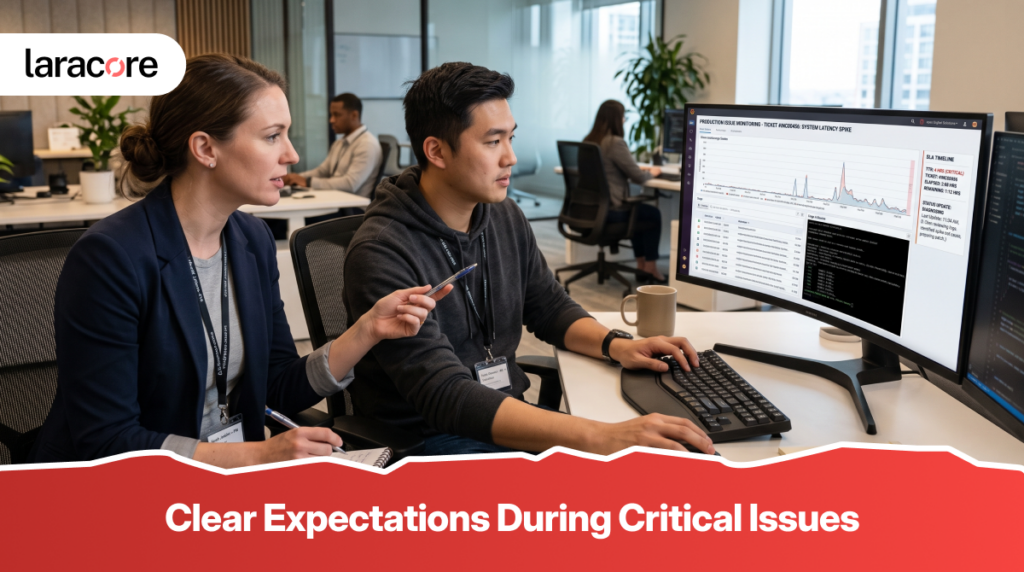
A well-designed SLA gives everyone a shared process.
The client knows how an issue will be classified and when they can expect a response. The development team knows which problems require immediate attention and how escalation should work.
Most importantly, nobody has to guess what a number like “two-hour response time” actually means.
For businesses using Laravel applications or other custom software, ongoing maintenance should be treated as part of the product lifecycle rather than an afterthought.
Laracore provides Laravel Development Services, Laravel Web Development Services, and Custom Laravel Development Services designed around the specific needs of growing businesses. A clear support and maintenance approach can help ensure that when an issue appears, the response process is already understood.
Need reliable support for an existing application or planning a new custom web application?
Explore Laracore’s development services and build a support strategy that gives your business clearer expectations when the unexpected happens.